Card
The Card tab in the KwikWork Configuration Panel controls the content that is displayed when a user select a document or case from a search results grid.
Social
In the Social section, the FileNet social features; Downloads, Tags and Likes can be enabled or disabled by double clicking the value field and updating the check box.

Rules
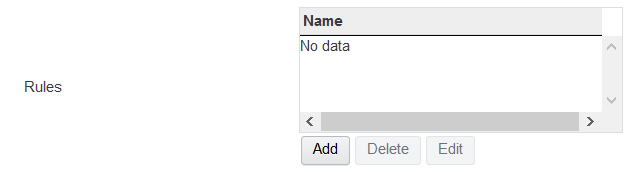
Card rules can be created for document and case tasks that control the properties that will be displayed on the card when an item is selected form the search results grid. Rules are configured as followes:
- Click the 'Add' button below the list of rules.
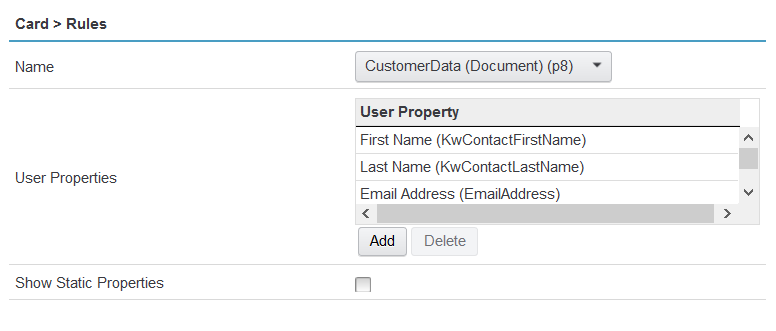
- Select the name of the class for which the rule is being created.
- In the 'User Properties' section, click add then double click the 'new' entry to select the properties that should be displayed in the card view when items of the class are selected in the search results grid.